Duration:


Operated By:
Master the Art of Photo Editing
Enrol in Sydney’s most thorough Adobe Lightroom course, designed by professional photographers to take your images to the next level. Running over four weeks (6:30pm to 9:30pm), this comprehensive programme guides you from capture to output, unlocking the full creative power of the industry-standard editing software. 📸
Streamline Your Creative Workflow
Our Lightroom Series goes far beyond basic editing. Through hands-on exercises, practical assignments, and interactive discussions, you will learn how to cut your editing time in half while producing professional-quality images. 💻
- Organise with Ease: Learn to import, keyword, and manage thousands of photos effortlessly.
- Develop Your Style: Master RAW exposure, white balance, and creative image manipulation.
- Professional Output: Prepare and export your files perfectly for print or online sharing.
Course Curriculum Highlights
- Understanding the digital capture process and RAW files
- Creative image manipulation and colour management
- White balance control and RAW exposure techniques
- Camera set-up for RAW shooting and digital workflow
- Tethering your camera directly to Lightroom
- Creating and managing your personal image library
- Preparing files for high-quality output and sharing
Boutique Learning Experience
To ensure highly personalised tuition, this exclusive workshop is strictly limited to a maximum of 8 students. 🌟
Investment: $450 for a total of 12 hours of expert tuition.
What is Included in Your Fee
- 12 hours of expert guidance from a professional photographer and digital imaging specialist
- Access to audio-visual recordings of each week’s lesson for easy home review
- In-class use of a monitor and screen colour profiler
- A USB key loaded with sample images to practice on
- Light refreshments throughout each session (including water, tea, and coffee)
Course Requirements
To get the most out of this course, you will need a basic understanding of your camera and general computer literacy. Please bring:
- A laptop with Adobe Lightroom installed. If you do not have the software, you can simply download a free 30 day trial.
- Casual, comfortable clothing.
Please note: Classes are run subject to acquiring minimum numbers.
Important Information – Please Read Carefully
Please ONLY click on the link to your ‘Confirmation Letter’ (where it reads : Download file) immediately below this text if your order is ‘CONFIRMED’.
If your order is ‘ON HOLD’ you are on our ‘waitlist’. Should this be the case please wait for us to contact you should a place become available. You have not been charged if your order is ‘on hold’.
SUITS
Categories:
Interests:
Skill Level:
Suitability:
Accessibility:
Share:
 Highly recommended I had wanted to learn proper camera photography for years, and I'm so glad I finally did it with Sydney Photographic Workshops. Wendy made registration effortless and was always responsive, and the weekly course content sent in advance meant I could prepare and get far more out of each session. Our tutors Daniel and Glen were outstanding — deeply knowledgeable, but more importantly, genuinely good teachers. Doing this course has been one of the better things I've done for myself in a long while. Highly recommended.

 Private photo sessions What a fantastic 2 sessions I spent with Daniel. He explained things clearly, demystified so much . I very quickly saw an improvement in the sharpness of my photos, and trying to work in varying light conditions. He helped me follow a process and filled in many gaps in my foundation knowledge. Highly recommend
The course was practical, easy to follow, and such a worthwhile use of both time and money. Daniel was excellent — knowledgeable, patient, and engaging.
I would highly recommend Sydney Photographic Workshops to anyone wanting to improve their photography skills.


 Highly engaging and informative photography course! Highly, highly recommend! One of those rare times you find someone who is not only a master of their craft, but also a highly engaging and passionate teacher. Daniel is a very rare combination of the two that any student could hope to learn from. Everyone of all levels walked into the beginner course either very green and overwhelmed, or more seasoned and wanting to improve existing knowledge. EVERYONE walked away empowered and confident. What a gem, thank you Daniel and team. Cannot wait to attend another course at SPW.
Daniel was incredibly knowledgeable, engaging, and made the entire day fun and relaxed. He explained concepts clearly, answered every question patiently, and made learning photography feel approachable and enjoyable. What once seemed overwhelming quickly became exciting and achievable.
I walked away with so much knowledge and confidence in using my camera, including shooting in manual mode, which I never thought I'd feel comfortable doing so quickly. The workshop was packed with practical tips and hands-on learning that I can immediately apply to my photography.
A special thank you to Wendy, who was wonderful as the front of house. She was welcoming, organised, and helped create a friendly atmosphere from the moment we arrived.
While I attended as a complete beginner, I could see the value this workshop would offer photographers of all skill levels. Whether you're just starting out or looking to strengthen your existing knowledge, there's something to take away.
I left feeling inspired, motivated, and excited to continue developing my photography skills. I would highly recommend this workshop to anyone interested in photography.
Thank you, Daniel, for sharing your knowledge, passion, and enthusiasm. Your relaxed teaching style made the experience enjoyable and helped build my confidence behind the camera. It was a fantastic day of learning, and I'm excited to continue putting your advice into practice.
 Highly recommended 👌 I recently attended the Photography Workshop with absolutely no prior experience, and I couldn't be happier with what I learned.
Daniel was incredibly knowledgeable, engaging, and made the entire day fun and relaxed. He explained concepts clearly, answered every question patiently, and made learning photography feel approachable and enjoyable. What once seemed overwhelming quickly became exciting and achievable.
I walked away with so much knowledge and confidence in using my camera, including shooting in manual mode, which I never thought I'd feel comfortable doing so quickly. The workshop was packed with practical tips and hands-on learning that I can immediately apply to my photography.
A special thank you to Wendy, who was wonderful as the front of house. She was welcoming, organised, and helped create a friendly atmosphere from the moment we arrived.
While I attended as a complete beginner, I could see the value this workshop would offer photographers of all skill levels. Whether you're just starting out or looking to strengthen your existing knowledge, there's something to take away.
I left feeling inspired, motivated, and excited to continue developing my photography skills. I would highly recommend this workshop to anyone interested in photography.
Thank you, Daniel, for sharing your knowledge, passion, and enthusiasm. Your relaxed teaching style made the experience enjoyable and helped build my confidence behind the camera. It was a fantastic day of learning, and I'm excited to continue putting your advice into practice.


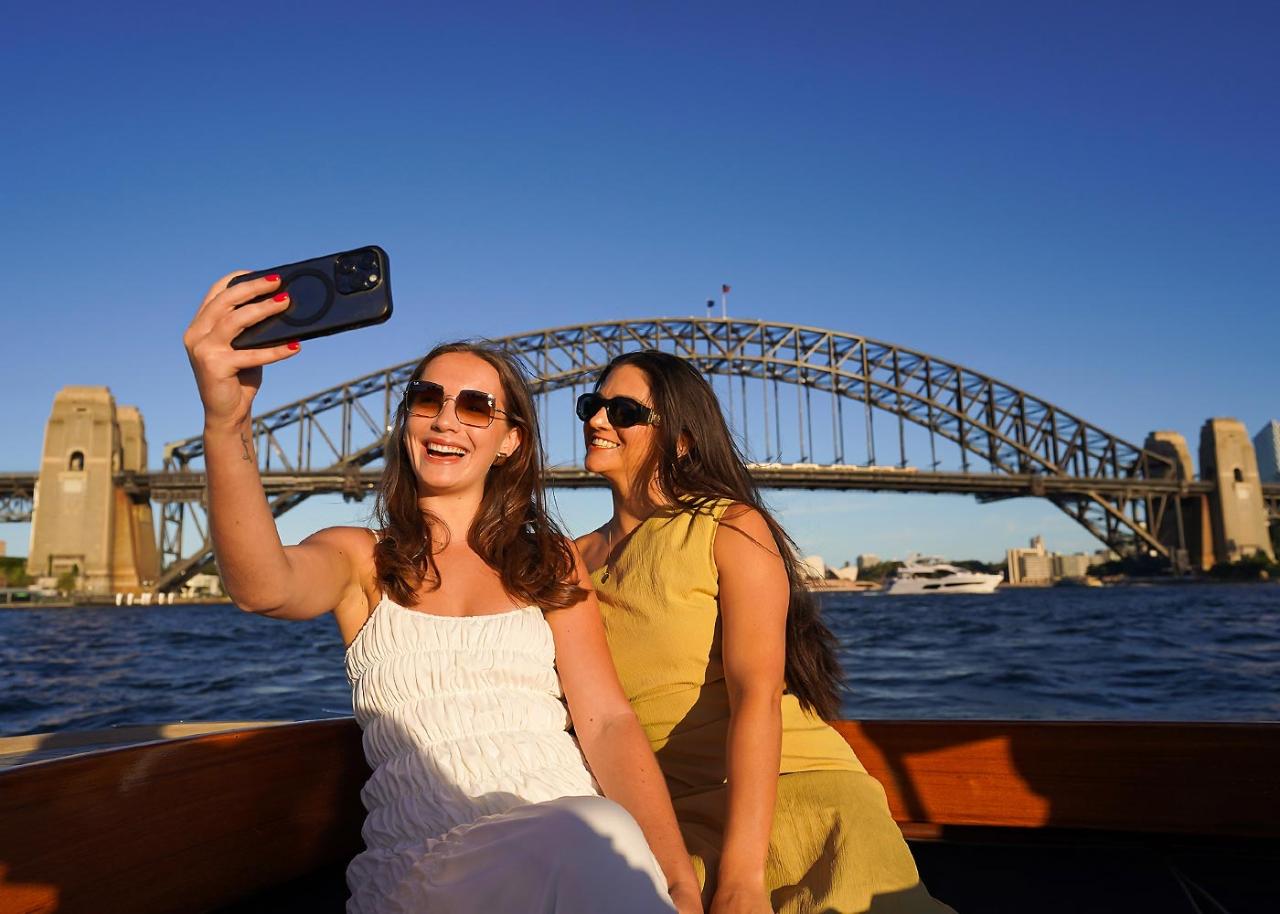
 Highly tecommend Great course and lovely way to see Sydney Harbour
Fantastic teaching and hints for new camera owners


Thanks Daniel and Wendy :)


The other participants were also great — a friendly group of people who were just as keen to learn and share ideas. It was a fantastic place to connect with other photography enthusiasts, and the collaborative atmosphere made the workshop even more rewarding.
I walked away having learnt a lot, with a much clearer understanding of portrait techniques, lighting, and how to work with a subject. Best of all, I came home with some shots I’m really proud of.
Highly recommended for anyone wanting to improve their portrait photography skills while having a fun, inspiring day.


Each course was engaging, informative, and presented in a way that was easy to follow, even as the concepts became more advanced. His teaching style gives you confidence while keeping things fun and practical.
If you’re looking to improve your photography skills, Daniel’s workshops are absolutely worth it!


Such a genuine facility to learn and grow as a photographer. I’ve attended a couple of Daniel’s workshops now, as well as private tuition; and will continue to do so!
Wendy (the studios first point of contact) is lovely - always willing to assist with any questions/queries you may have.

 Fantastic Photography Courses I have now done 2 courses with Sydney Photographic Workshops - both were amazing! Daniel Linnet is not only a talented photographer, he is an outstanding teacher - clear and easy to follow - always ready to share his extensive knowledge, tips and tricks. The classroom sessions are always entertaining, informative and relaxed.
I have learnt so much from both the Beginners Workshop and the Adobe Lightroom Courses that my photographic skills continue to develop. I highly recommend SPW courses for those wishing to take their photography to the next level and beyond. Thanks Daniel and Wendy for such well run, value for money courses!
 Excellent Lightroom course Excellent Lightroom course. Left knowledgable and confident. Daniel was a patient tutor and has a vast knowledge of this creative tool.
  Review of Sydney Photographic Workshop I would like to express my deepest gratitude to the team at Sydney Photographic Workshop, and especially to our instructor Daniel, for such an incredible photography learning experience!
From the very first day, I could feel the professionalism of the course organization and the genuine passion the instructors have for sharing their knowledge. The atmosphere in the classroom was warm and welcoming, yet structured and highly engaging — every session was both inspiring and productive.
I especially want to thank Daniel — he is a true professional and an amazing mentor. He has the gift of explaining even the most complex technical concepts in a clear and simple way, always demonstrates everything in practice, patiently answers every question, and gives continuous support. Thanks to his guidance, I finally learned how to master my camera settings, confidently shoot in manual mode, and see light and composition from a completely new perspective.
For me, these workshops were more than just lessons — they were a source of inspiration. I started seeing photography differently, noticing details I never paid attention to before, and most importantly — I gained confidence in myself.
Thank you so much to Daniel and the Sydney Photographic Workshop for the knowledge, encouragement, and the amazing atmosphere! I truly feel I’ve taken a huge step forward and can now continue growing as a photographer with confidence.
I highly recommend these workshops to anyone who wants to unlock their creative potential and truly enjoy the learning process! 📸
 Highly recommended Can highly recommend doing any of the courses with the team at SPW. I learnt so much, the small class sizes were perfect and there was plenty of time to ask questions before, during and after the class. The field trip was great to be able to put into practice all that we had learnt.
 Daniel is extremely talented, knowledgeable and passionate about photography and sharing this with others. Many thanks to him and Wendy. I will be back for more lessons soon.

During the course, I had both Daniel and Glenn as instructors. They are both highly qualified photographers and have heaps of patience for us "newbies". They ensured that everyone in the class understood the discussion points and were able to simplify the mechanics into meaningful concepts.
I highly recommend this course!


 Portrait Photography Workshop Daniel is an incredibly talented photographer with a wealth of knowledge and experience. He is a seasoned and skilled teacher. During the portrait course, he articulated and demonstrated complex concepts clearly and effectively. He taught the content while adapting it to suit the students' interests. Wendy and the support team did everything they could to ensure everyone was well looked after on the day. I signed up for another course straight after completing the portrait photography course — it was that good! Sydney Harbour Bridge during vivid 2025 The tutors are great. Learnt a lot on a workshop that I did on the south pylon Sydney Harbour Bridge for Vivid 2025. Thank you for an amazing night


Daniel's clear and engaging style made complex lighting concepts easy to grasp. He explained not just how to use flash, but why it works, which really helped my understanding.
The workshop was also fun and supportive, with plenty of real-time practice.I highly recommend this course to anyone looking to improve their flash photography skills.

I'm so glad I did. The course was fantastic -- starting with the very basics of camera functionality and building up our skills and knowledge week by week so we could use our cameras to their full capability.
By the end of the course I was happily shooting in manual mode, and taking some great photos. A particular highlight was taking photos of the Opera House and Harbour Bridge at night at the end of the field trip.
Our tutor, Glenn, is a highly skilled instructor, and his passion for photography and the history of photography really shone through.
I would totally recommend this course to anyone, and have already signed up to two other workshops!

The weekly evening classes were a perfect way to balance my busy work schedule and became something I genuinely looked forward to. Thanks to Dan, I now feel more confident behind the camera and excited to continue practicing!
I highly recommend this class to anyone looking to learn photography in a fun, engaging, and supportive environment—it's a fantastic way to build your skills and confidence! And Wendy is also amazing in helping you answer any queries relating to different courses available.


the best! 📸

Wendy also deserves a special mention for her excellent work behind the scenes. She made sure the class ran smoothly and was always warm and approachable when it came to administrative matters.
Over the 8 weeks, I learned so much and gained confidence in my photography skills. I'm already planning to return for more courses in the future. I highly recommend Sydney Photographic Workshops to anyone looking to learn or advance their skills in photography!
 Sydney Photographic Workshops Rock!!!! I have completed 2 workshops with SPW the 8-week photography course and the 4-week lightroom course. Both were exceptional!!
My tutor for the 8-week course was John Janson-Moore. John holds a Doctorate in Creative Arts which speaks for itself. Most importantly though for most students, in addition to being highly academically qualified, he is extremely approachable and an exceptionally good instructor. If you get John as your tutor, you are perfectly positioned to get the most out of the 8 weeks you spend with SPW.
For my lightroom course I was indeed fortunate to be in the extremely capable hands of Daniel Linnet who is not only a master photographer but is the principal tutor and, alongside his wife Wendy, the owner of SPW. When you sit in Daniels class it becomes immediately apparent that you are being taught by someone who is highly skilled and who absolutely knows what they're talking about. Daniels classes were full of relevant and interesting tips and tricks for creating a solid system for storing work product and editing images to bring out their best. Some of my best edits have been as a result of the techniques I learnt from Daniel during this course.
Daniel and Wendy are friendly and approachable learning hosts, and I cannot recommend Sydney Photographic Workshops strongly enough as a fantastic place to both consolidate your existing photographic knowledge and to learn new and industry relevant techniques that will make you a better photographer and editor. Thankyou Daniel, Wendy and John for my exceptional learning experiences! I'm looking forward to my next workshop which will be in the very near future!! SPW Rocks!!


If you want to get expert tuition as a beginner or even an experienced photographer, this is the place to enrol in.
Thank you for an enjoyable 2 hours, it went far to quick.
Andy.
 Start your photography journey here The 4-hour photography essentials course was such a fun and great-value experience. Daniel taught clearly and patiently, guiding us through each activity with step-by-step instructions and practical advice. Highly recommend :)
  Knowledgable and fun instruction I've done a few courses with Daniel Linnet. He is a super talented Photographer who also knows how to teach. Well informed, listens, explains things clearly and enthusiastic about what he does. Daniel is very creative which makes the shoots he sets up a lot of fun. Great follow-up with links to information, equipment lists etc.
Also, I wish to mention their flexible approach. They strive to bring value to every participant. With my inevitable travel, Wendy was very accomodating, and I managed to complete the entire course.
Not just the immense photography knowledge that they love to share, but also their amiable personality really makes you want to cover 100% of the course, never to miss any class!
Thank you, Daniel and Wendy!!!
I strongly recommend this course who wish to learn photography!!!

 My Experiences with SPW and Daniel Linnet. Over the past few years I have attended a number of courses and workshops at SPW as well as one on one sessions with Daniel. Each time I have come away with a better knowledge and understanding of my camera and lenses (all of which I purchased based on Daniel's recommendations) as well as what my camera and lenses can do and what I can do with them. I have progressed from an enthusiastic amateur to now storing my photos in Lightroom, editing them in Lightroom and Photoshop and printing Photobooks. All thanks to SPW and Daniel's skills and patience in teaching others. I thoroughly recommend SPW to anyone wanting to improve their knowledge of photography and their skill set.
  Fabulous experience Attended the Travel day workshop. We were guided by two very knowledgeable photographers, very passionate. Wendy took great care of us with a range of snacks and drinks throughout the day. Fantastic experience, learned heaps from 4 very diverse locations. Thank you!

Terrific street photography session with Glenn. I picked up quite a few new techniques while also capturing some great shots. And it was a lot of fun!

 Excellent Course I took a 4-hour photography training course yesterday, and it exceeded my expectations! I didn't expect to learn so much. As a beginner, after yesterday's course, I understand my camera's functions and can operate it fairly well now. Of course, I will need more practice, and I would like to join more courses when I have free time. Highly recommended! The whole team is friendly and supportive. Wendy is supportive, and Glenn is very professional and patient. His teaching style focuses on details, leading you to think and learn through practice.


Daniel, my instructor, was absolutely exceptional in teaching me the finer points of video and still photography using my Nikon D850 and D610 cameras.
Daniel's expertise and passion for photography shone through in every aspect of the tutorial.
He had an incredible knack for breaking down complex concepts into easily understandable lessons.
Whether it was mastering video techniques or capturing stunning stills, he provided clear guidance and hands-on training that boosted my confidence behind the lens.
What truly sets his tutorial apart is the personalized attention and tailored approach. Daniel took the time to understand my skill level and specific needs, ensuring that I got the most out of his teaching.
I left with a deeper understanding of my camera's capabilities and a newfound enthusiasm for photography.
If you're looking to enhance your photography skills, whether you're a beginner or an experienced photographer, I wholeheartedly recommend Sydney Photographic Workshops.
Daniel's exceptional instruction and the workshop's supportive atmosphere make it a top choice for photography education.

 Highly recommended Attended the Street photography workshop and general photography (8 weeks) 1 year ago. Very knowledgeable photographers, very inspiring and passionate. Learned lots in both, thank you!